

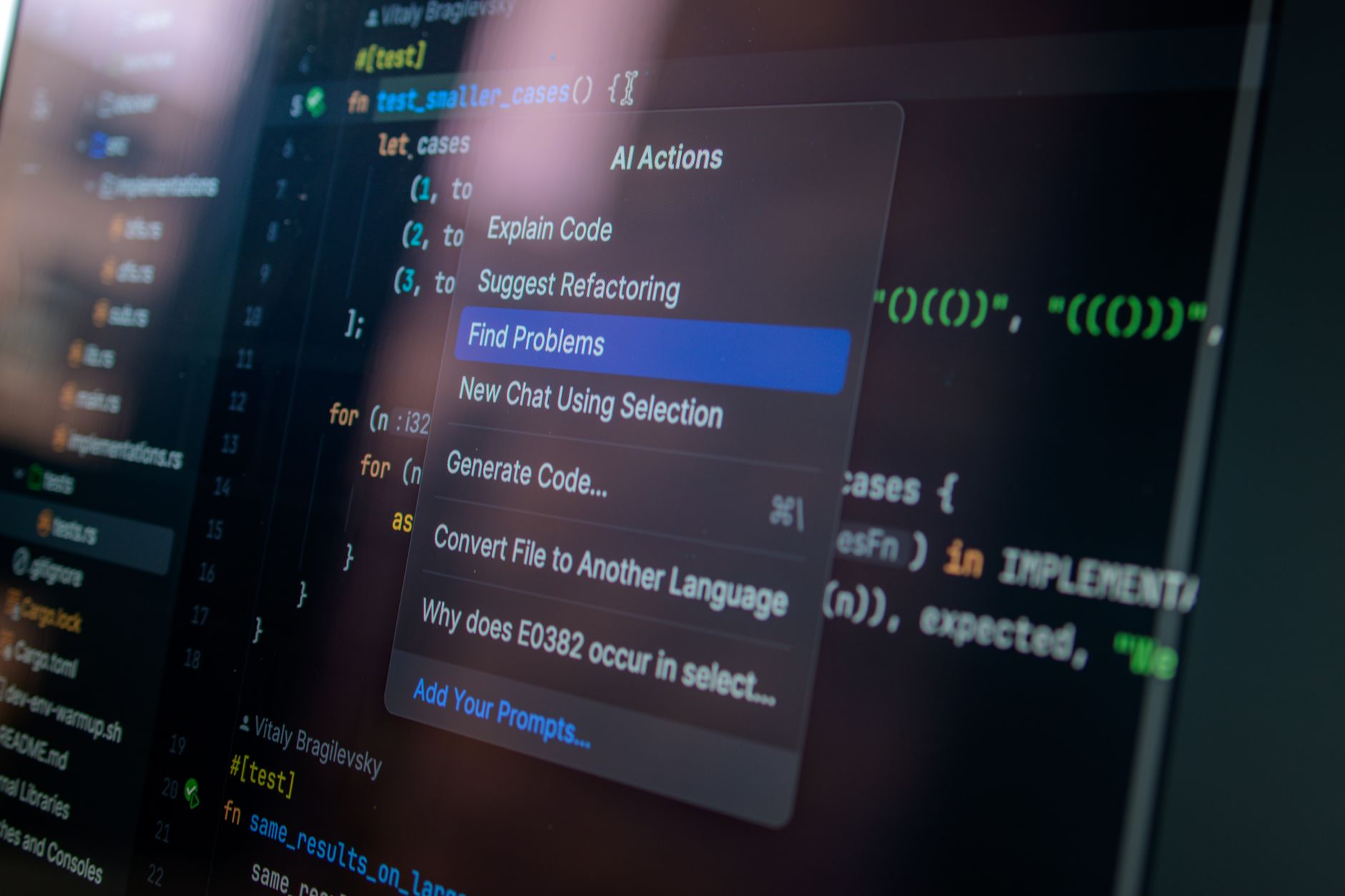
VS Code AI tasks are transforming how developers work with scheduled AI capabilities and browser control. This latest update brings exciting innovations to streamline your workflow.
What Are VS Code AI Tasks?
VS Code AI tasks are a groundbreaking addition to the popular code editor, designed to enhance productivity and streamline development workflows. With the release of version 1.147, users can now leverage scheduled AI tasks to automate repetitive coding activities, making it easier to focus on complex problems.
These AI tasks integrate seamlessly into the development environment, allowing developers to schedule specific actions at predetermined times. This innovative feature promotes efficiency and minimizes the chances of human error during routine tasks.
Key benefits of VS Code AI tasks include:
- Automated Workflows: Developers can set up repetitive coding actions to run automatically, saving valuable time and effort.
- Increased Accuracy: By reducing manual input, the likelihood of errors is significantly decreased, leading to cleaner code and smoother project progression.
- Enhanced Focus: With mundane tasks automated, developers can dedicate more time and energy to intricate coding challenges.
Additionally, VS Code AI tasks can be customized to meet the specific needs of individual projects, making them versatile tools for developers across various domains. As AI continues to evolve, these features represent a significant step forward in how developers interact with their coding environment, ultimately fostering greater innovation and creativity in software development.
New Features in VS Code 1.147
With the release of VS Code 1.147, users can now take advantage of several exciting new features that enhance productivity and streamline workflows. One of the standout additions is the capability to schedule AI tasks, which allows developers to automate repetitive processes at specific times. This feature is particularly beneficial for teams working on tight deadlines, as it helps maintain focus on critical coding activities while the AI handles routine tasks.
Additionally, VS Code 1.147 introduces browser control, enabling seamless interaction with web applications directly within the editor. This integration eliminates the need to switch between various tools, allowing developers to test and debug their applications more efficiently.
Another significant enhancement is the introduction of model routers, which provide developers with the flexibility to manage multiple AI models more effectively. This feature is particularly useful for projects that require the integration of various machine learning models, as it simplifies the process of switching between them based on the task at hand.
Overall, these improvements make VS Code 1.147 a powerful tool for developers looking to leverage AI capabilities in their workflow. The enhancements in scheduled AI tasks, browser control, and model routers are set to revolutionize how users interact with their coding environment, paving the way for increased productivity and innovation.
How to Use Browser Control
With the introduction of browser control in VS Code AI tasks, users can now streamline their workflows significantly. This feature allows developers to interact with web content directly from the VS Code interface, making it easier to gather information or automate testing processes.
To get started with browser control, follow these steps:
- Enable Browser Control: First, ensure that you have the latest version of VS Code installed, as this feature is available in version 1.147 and later.
- Open the Command Palette: Use the shortcut Ctrl + Shift + P (or Cmd + Shift + P on macOS) to access the command palette.
- Search for Browser Control: Type “Browser Control” in the command palette to find the related commands.
- Choose Your Action: Select the action you want to perform, such as launching a new browser window or running a specific script against web content.
- Interact with Web Pages: You can now navigate through web pages, fill out forms, and execute JavaScript directly from VS Code.
This new capability enhances the functionality of VS Code AI tasks by allowing developers to create more integrated and efficient workflows. As you incorporate browser control into your projects, you will discover new possibilities for automation and testing that can significantly reduce development time.
Benefits of Model Routers
The introduction of model routers in VS Code AI tasks offers several advantages that enhance the coding experience for developers. These routers streamline the process of managing various AI models, allowing users to select the most appropriate one based on their specific needs and project requirements.
One of the key benefits is improved efficiency. By enabling developers to switch between models seamlessly, model routers reduce the time spent on configuration and setup. This means that developers can focus more on writing code rather than managing the technicalities of AI integration.
Additionally, model routers help ensure that the selected model is optimized for the task at hand. With the ability to choose from multiple models, developers can apply the most suitable AI capabilities for their projects, leading to better outcomes and more accurate results.
Moreover, model routers enhance collaboration among team members. When working on shared projects, different developers may have varying preferences for AI models. Model routers facilitate this diversity by allowing team members to choose their preferred models without disrupting the workflow of others.
In summary, the benefits of model routers in VS Code AI tasks include:
- Enhanced efficiency: Faster model switching and reduced setup time.
- Optimized performance: Selecting the most suitable model for specific tasks.
- Improved collaboration: Accommodating team preferences without workflow disruption.
User Reactions to the Update
Since the release of VS Code 1.147, user reactions to the introduction of VS Code AI tasks have been overwhelmingly positive. Many developers are excited about the enhanced capabilities that the AI tasks bring to their daily workflows.
Users have taken to social media platforms and forums to share their experiences, highlighting several key aspects:
- Increased Productivity: Many users report that the AI tasks streamline their coding process, allowing them to focus more on complex problem-solving rather than repetitive tasks.
- Ease of Use: The intuitive interface for scheduling AI tasks has been praised for its simplicity, making it accessible even for those who may not be tech-savvy.
- Time Management: Developers appreciate the ability to manage their time more effectively, with features that enable them to plan and execute tasks at optimal times.
However, some users have expressed a desire for further improvements, particularly in the customization of AI tasks to fit specific project needs. Feedback regarding browser control functionality has also been mixed, with some finding it useful while others encounter minor glitches.
Overall, the introduction of VS Code AI tasks marks a significant step forward, and developers are eager to see how future updates will enhance these features even more.
One of the standout improvements in VS Code AI tasks is the enhanced code completion feature, which leverages machine learning to suggest more relevant code snippets. Additionally, VS Code AI tasks now include a powerful debugging assistant that can identify and resolve issues faster than ever before.
Photo by Daniil Komov on Pexels
Where this came from
1xBet APK App and Mobile Guide · Cv66 app – what to know · Crickex: What Bangladeshi Players Need to Know